
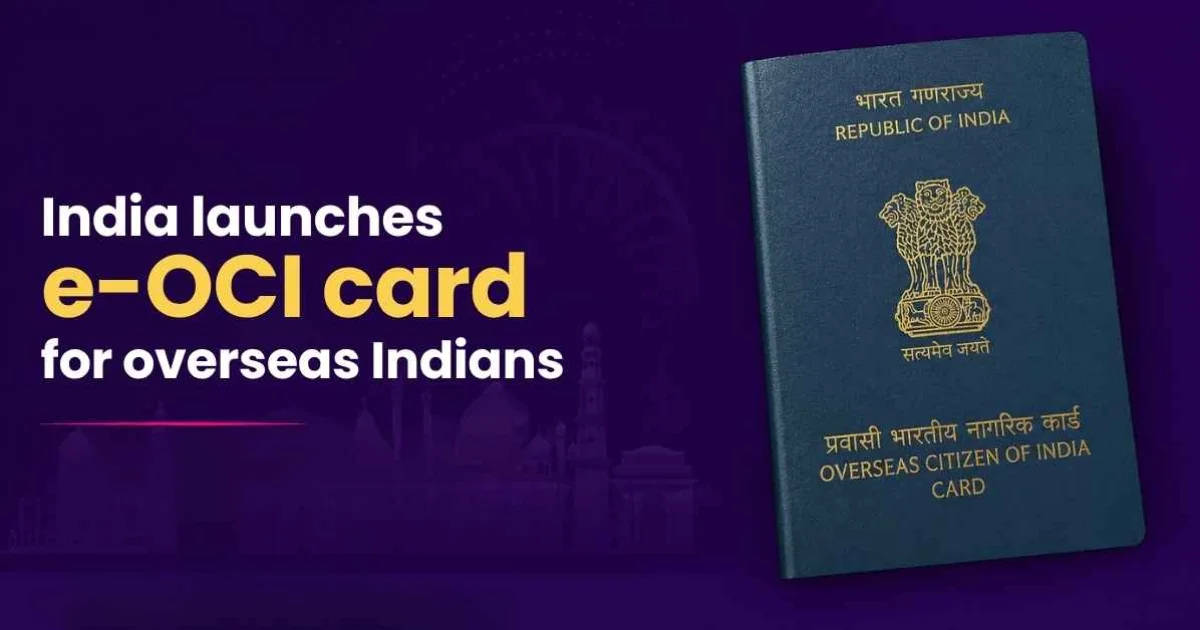
India has rolled out a new electronic Overseas Citizen of India card system, allowing millions of overseas Indians to handle most OCI services fully online instead of through consulates and in person paperwork.
Unveiled in New Delhi on June 30 by Union Home Minister Amit Shah, the e OCI platform lets applicants file OCI applications, upload documents, track status and download a digitally generated card, while existing cardholders can obtain an e OCI without a fresh application or physical verification in most routine cases. The Home Ministry says processing times are expected to drop to around 15 business days, compared with six to eight weeks earlier.
A major change eliminates the need for a new physical OCI booklet every time a passport is renewed after age 20; cardholders can simply update passport details online. The system runs on the government’s MeghRaj cloud and uses Aadhaar based authentication, e sign and optical character recognition tools to verify documents and strengthen data security.
The e OCI rollout, grounded in the Citizenship (Amendment) Rules, 2026, is part of a wider push to digitize citizen and immigration services, and was launched alongside the FCRA 2.0 portal, which moves applications and filings for thousands of foreign funded organizations onto a unified online platform.
📢 Great News for All OCI Cardholders!
— Bureau of Immigration, Government of India (@BOIndiaOfficial) July 1, 2026
The e-OCI (Electronic OCI Card) has been officially launched!
No more carrying your physical OCI booklet everywhere. You can now download your digital e-OCI Card on your mobile phone and present it at Immigration Check Posts and to… pic.twitter.com/DpQ5UqYC5r
No more carrying your physical OCI booklet everywhere. You can now download your digital e-OCI Card on your mobile phone and present it at Immigration Check Posts and to airlines.
How to Download Your e-OCI Card (For Existing OCI Cardholders)
Your existing physical OCI Card remains valid.
Download your e-OCI Card today and enjoy the convenience!
Share this information with your family and friends who are OCI Cardholders.

Indian American Mom Who Reinvented the School Bus Builds 1.7 Billion Company
Aug 13, 2026
Reena Gupta Enters Pleasanton City Council Race for District 3
Aug 01, 2026
Indian Origin Doctor Nirali Shah to Lead Pediatric Gene Therapy at University of Maryland
Aug 01, 2026
Anant Honkan Establishes Veer Savarkar Scholarship at City College of New York
Jul 30, 2026
US Judge Strikes Down Part of California's Diwali Law
Jul 24, 2026